
Opening a Shared Mailbox
On the Outlook web client:
- Go to outlook.com/uci.edu and sign in with your AD/Microsoft 365 login.
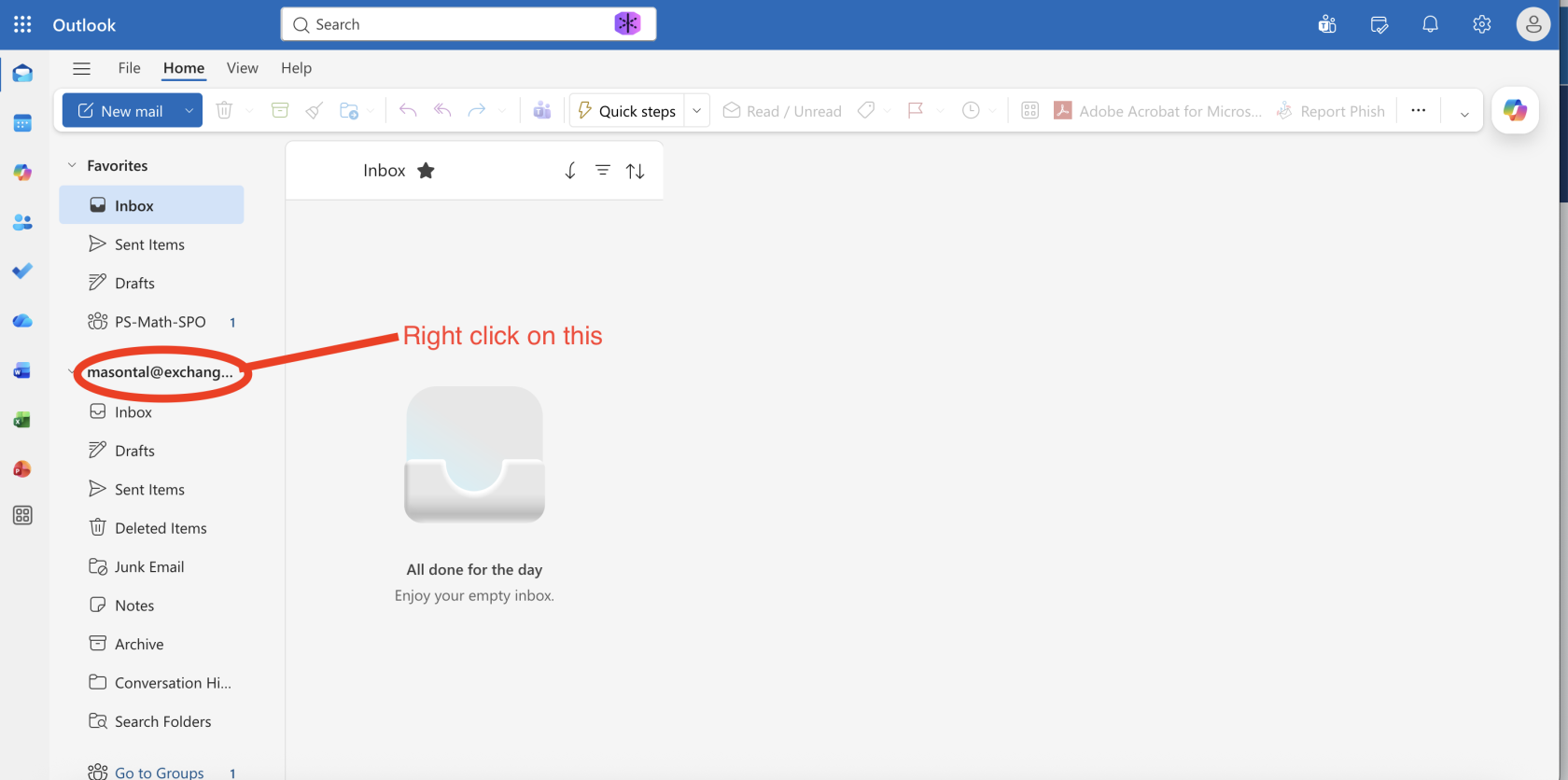
- On the left side bar, right click on your email
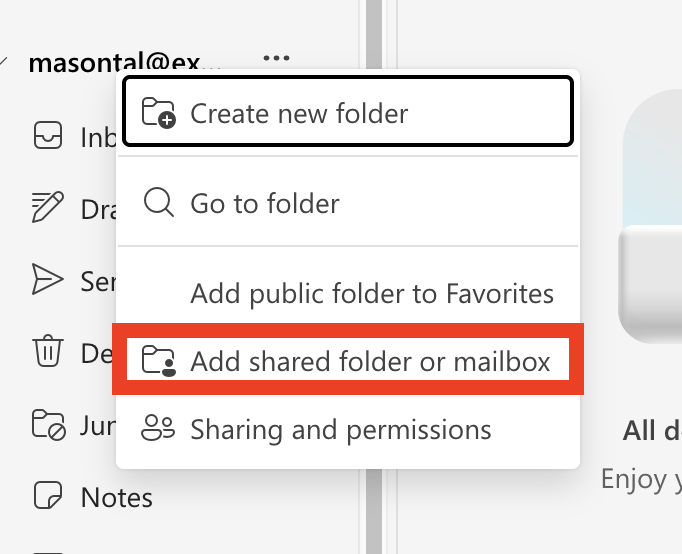
- Click 'Add shared folder or mailbox'

- Type in the email address of the shared mailbox and click continue

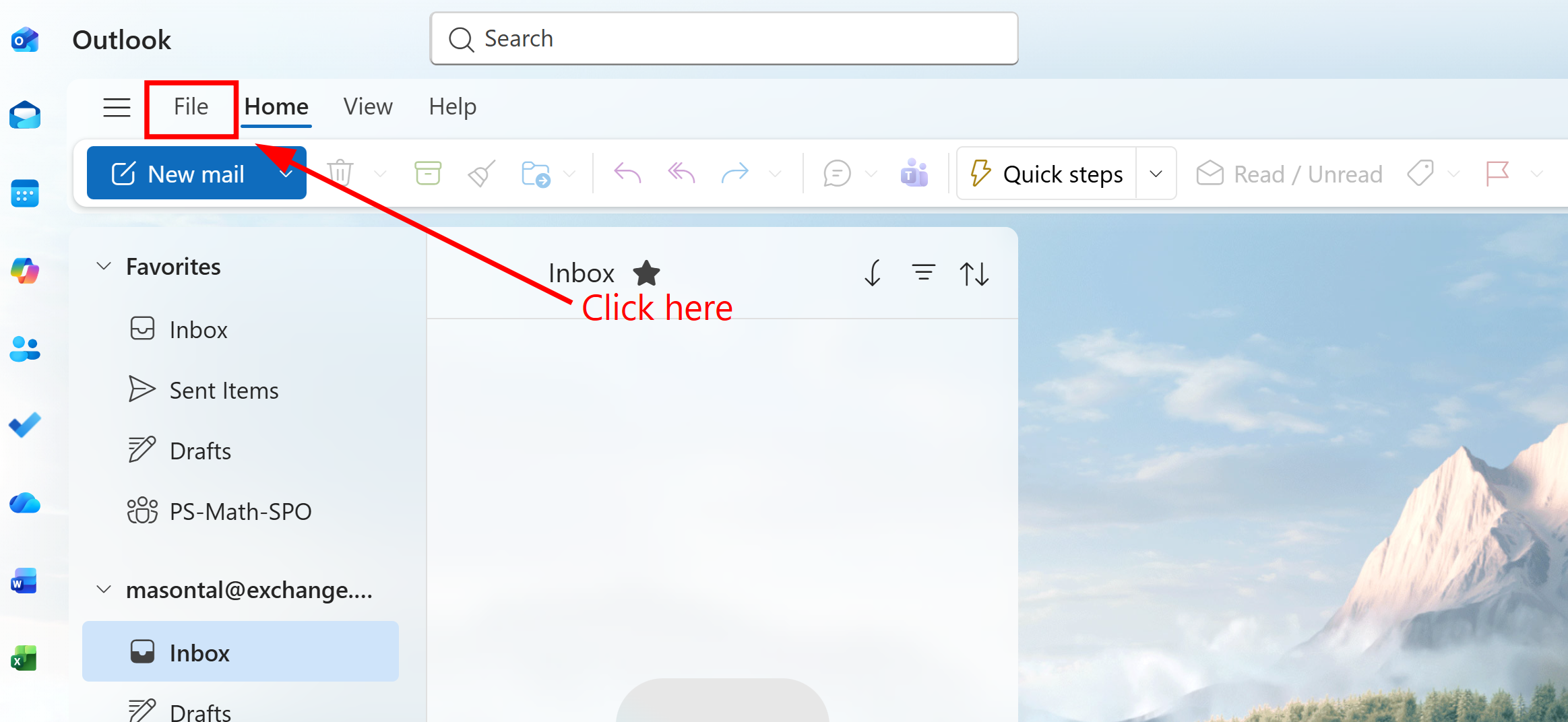
On Outlook for Windows
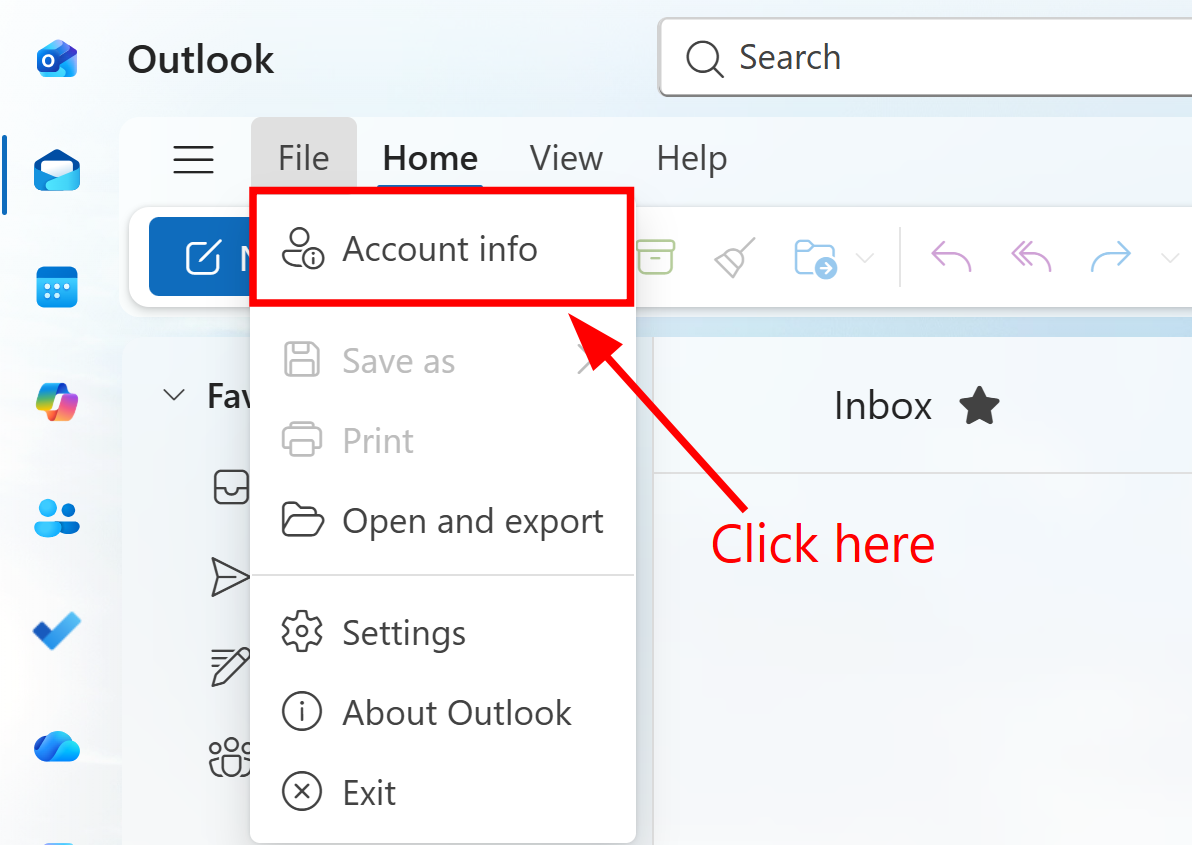
 On Outlook for Mac