# Owl Setup
# Owl Meeting Camera Set up
- **Set up:**
- OWL comes with (OWL Device, Microphone Extender, USB-C cable, Power Cables, and Tripod)
- First download OWL Application for your device ([https://owllabs.com/download)](https://owllabs.com/download))
- Connect OWL to Power
- Connect USB-C Cable to OWL to connect to your device
- (Optional) Connect Microphone extender to the owl (Connection is below Volume up and down buttons)
- Open OWL Application and check if it has recognizing the device (may take a minute to recognize)
- Should look like this
[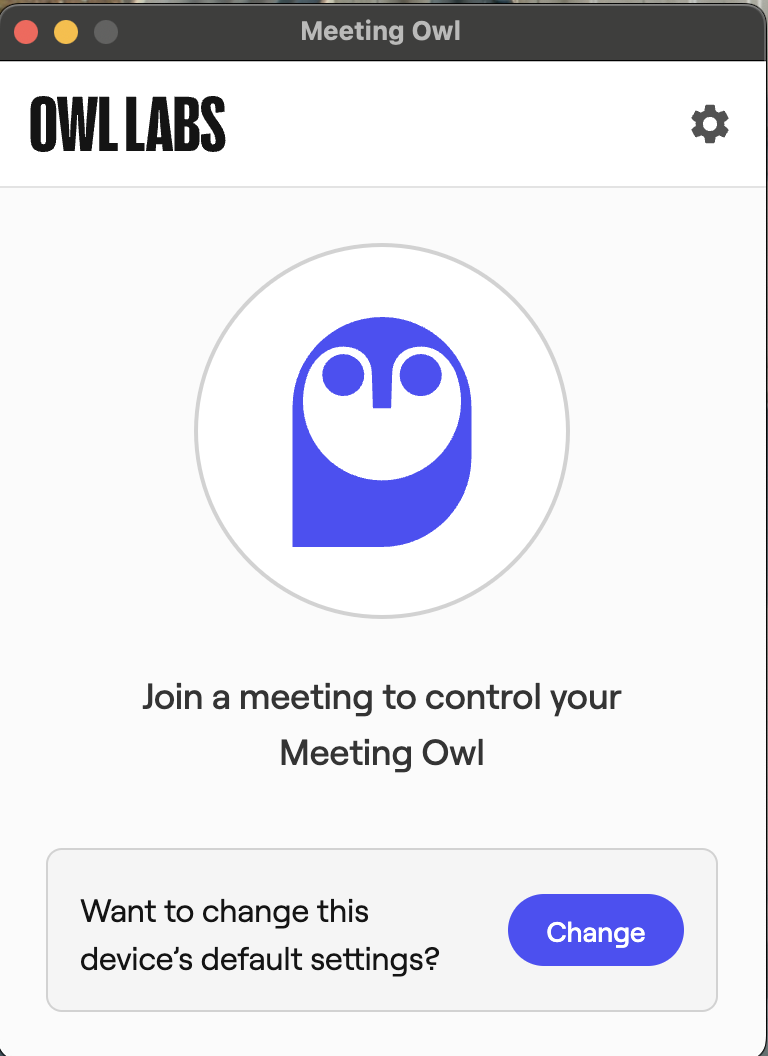](https://knowledge.ps.uci.edu/uploads/images/gallery/2024-02/YGQweuCz7GcIMsXf-owlrecognized.png)
- Change Preffered Settings to fit needs of meeting
- Go to your meeting application and change MICROPHONE and CAMERA to **MEETING OWL **
- Set-up Complete