# Uninstalling Microsoft Office
1. Go to **"Finder"** > **"Applications"**, find the Microsoft Office applications to remove and right click.
1. Select **"Move to Trash"**.
2. [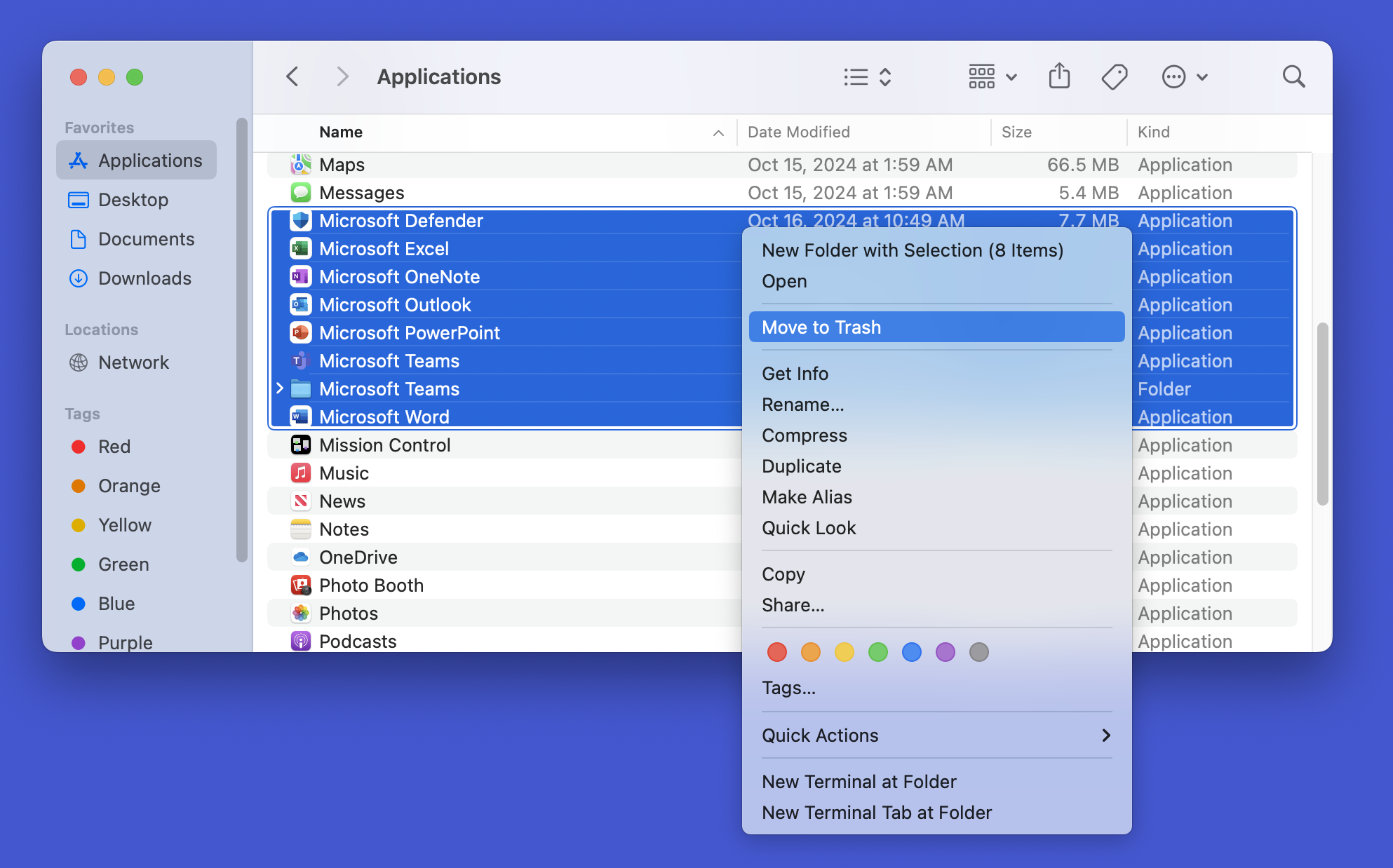](https://knowledge.ps.uci.edu/uploads/images/gallery/2025-03/JY56SPgyx280xrNc-screenshot-2025-03-03-at-10-43-55-am.png)
2. Go to the Trash and empty it. [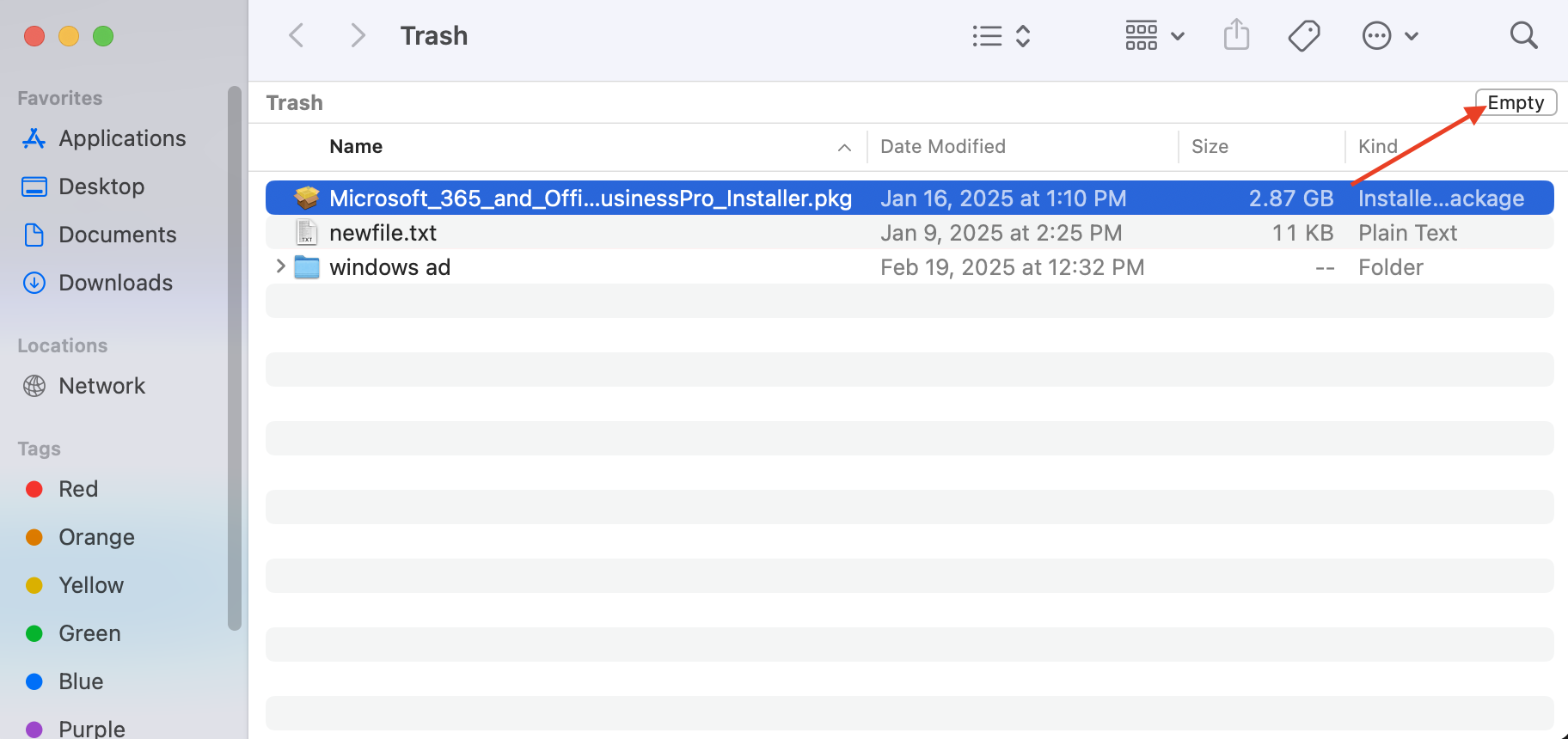](https://knowledge.ps.uci.edu/uploads/images/gallery/2025-03/xR36P2VXwnBlQxDW-screenshot-2025-03-03-at-11-07-31-am.png)
3. **Open up the terminal program on your mac. You can search and find the "terminal" by clicking on the magnifying glass on the top right of your screen.**
4. Then copy and paste, then run these commands in Terminal to completely remove all Microsoft Office files:
```
sudo rm -rf /Library/LaunchAgents/com.microsoft.*
rm -rf /Library/PrivilegedHelperTools/com.microsoft.*
rm -rf /Library/Preferences/com.microsoft.*
rm -rf ~/Library/Containers/com.microsoft.*
rm -rf ~/Library/Group\ Containers/UBF8T346G9.*
```