# How to Access Your UCI Microsoft 365 (AD) Account
#### To set your password if you don't know it:
[https://passwordchange.service.uci.edu/](https://passwordchange.service.uci.edu/ "https://passwordchange.service.uci.edu/")
#### To get to all Office 365 Resources:
You can go to [https://portal.office.com](https://portal.office.com "https://portal.office.com"). and login with .
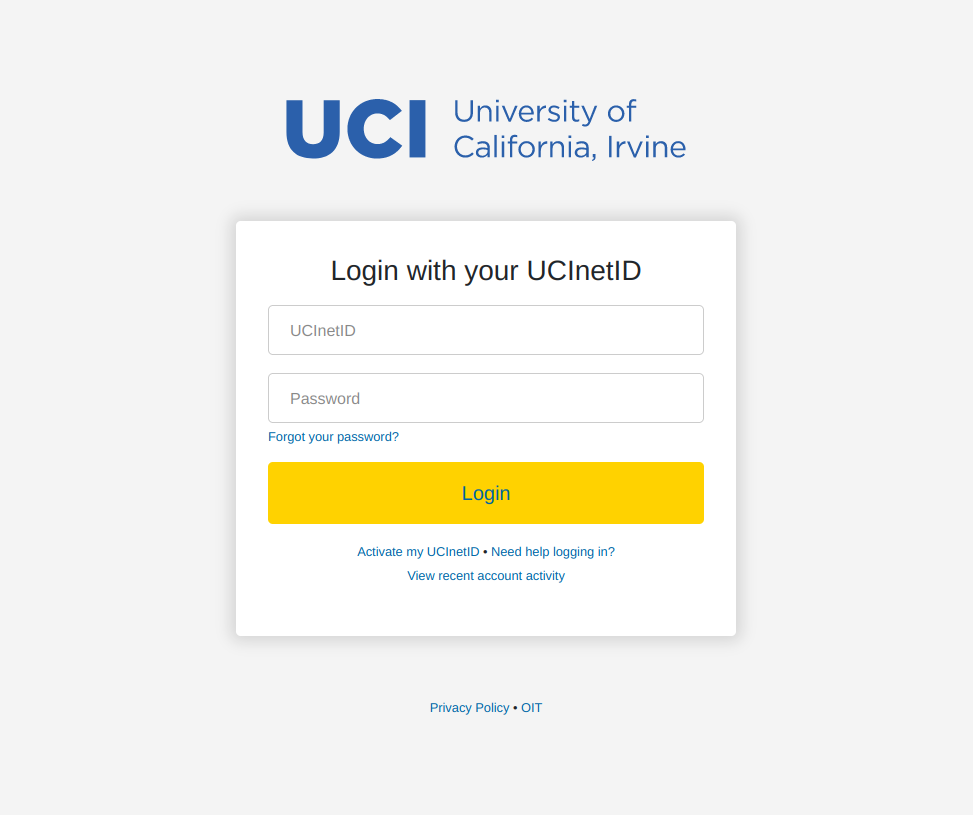
1. Sign in with your UCInetID login:
[](https://knowledge.ps.uci.edu/uploads/images/gallery/2024-03/Rr9IBcWY7hG40D4c-image.png)
2. Enter your new password twice and click submit.
[](https://knowledge.ps.uci.edu/uploads/images/gallery/2024-03/LKN1K9EnzJxLvd2C-image.png)
#### OIT's FAQ on Microsoft Office:
[https://uci.service-now.com/sp?id=kb\_article&sys\_id=34fffd291bb4e1106bd62f42b24bcb0e](https://uci.service-now.com/sp?id=kb_article&sys_id=34fffd291bb4e1106bd62f42b24bcb0e)
**OneDrive Login Link:** [https://ucirvine-my.sharepoint.com/](https://urldefense.com/v3/__https://ucirvine-my.sharepoint.com/__;!!CzAuKJ42GuquVTTmVmPViYEvSg!KRHNBsHM_1mvBHiRRgAwRtkvnYN1VTwc0bsorO2l2WLS3Qh3NPrh819pO-Hr-9jc5R42DdrqH6tCkA77qCUlSro%24)