Matlab install - error
Matlab install error when DUO desktop is running
How to install Matlab with DUO desktop
1. Close all MATLAB windows and restart your computer.
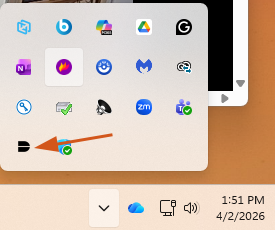
2. Go to DUO Desktop at the lower right corner of your laptop.
3. Click on three bars at the top right corner of DUO Desktop App.
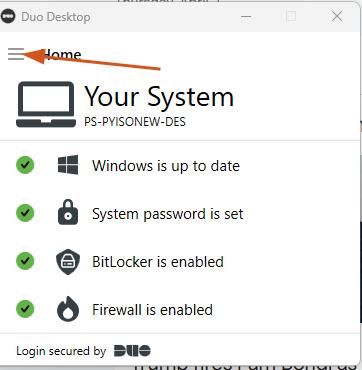
4. Click "Quit".
5. Start MATLAB, and it should prompt you to sign in.