# Email Setup Information
Notes on email setup
# UCI Mail Servers/Ports For Thunderbird
### Outlook
**IMAP**
- Hostname: outlook.office365.com
- Port: 993
- Connection security: SSL/TLS
- Authentication method: OAuth2
- User name: ucinetid@ad.uci.edu
**SMTP**
- Server name: smtp.office365.com
- Port: 587
- Connection security: STARTTLS
- Authentication method: OAuth2
- User name: ucinetid@ad.uci.edu
### GMail
**IMAP**
- Hostname: imap.gmail.com
- Port: 993
- Connection security: SSL/TLS
- Authentication method: OAuth2
- User name: ucinetid@uci.edu
**SMTP**
- Server name: smtp.gmail.com
- Port: 465
- Connection security: SSL/TLS
- Authentication method: OAuth2
- User name: ucinetid@uci.edu
# New AD Account Setup
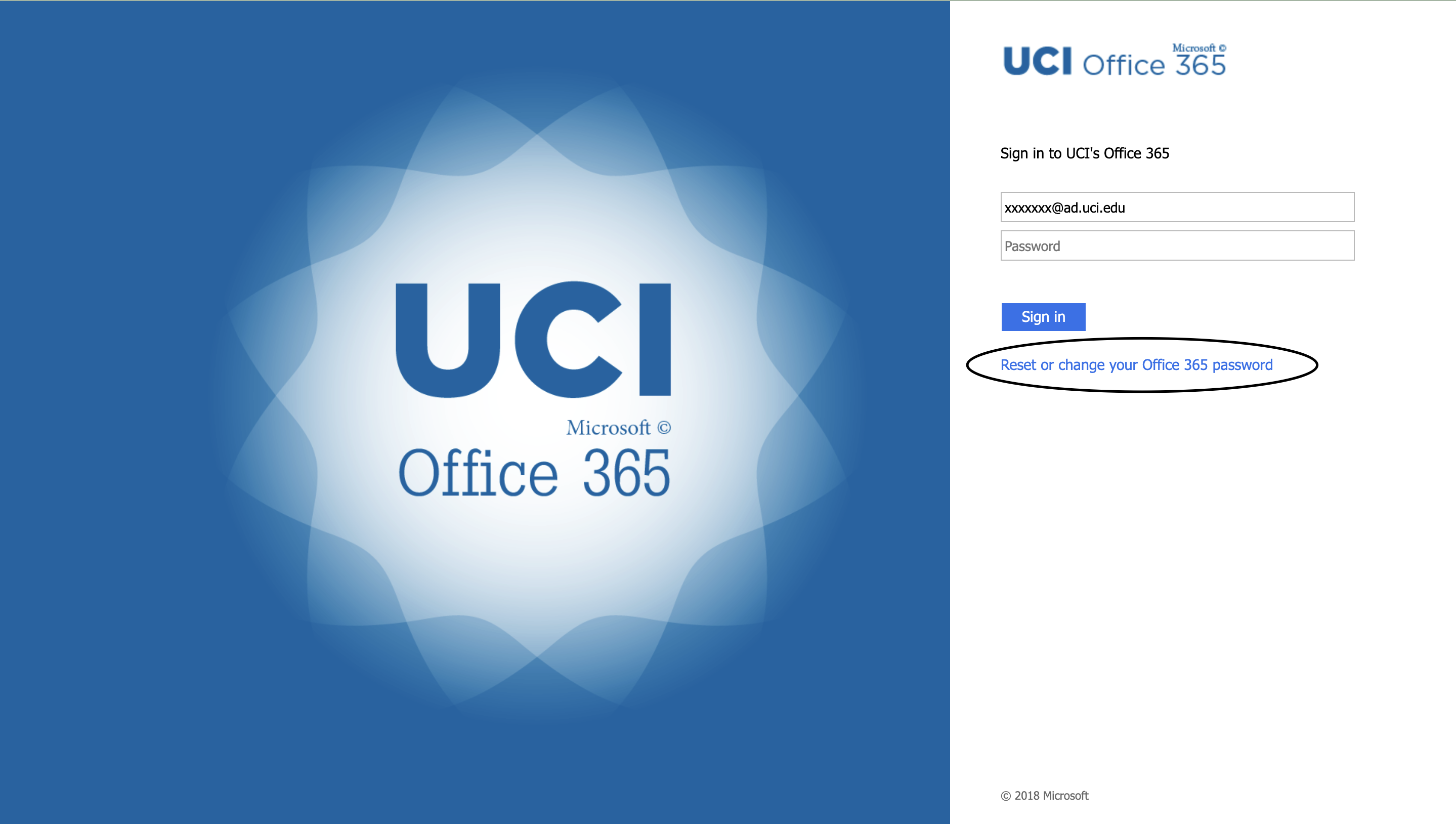
1. Reset password
1. [](https://knowledge.ps.uci.edu/uploads/images/gallery/2024-01/XisPM3e1kmcUAqLo-screenshot-2024-01-23-at-2-59-06-pm.png)
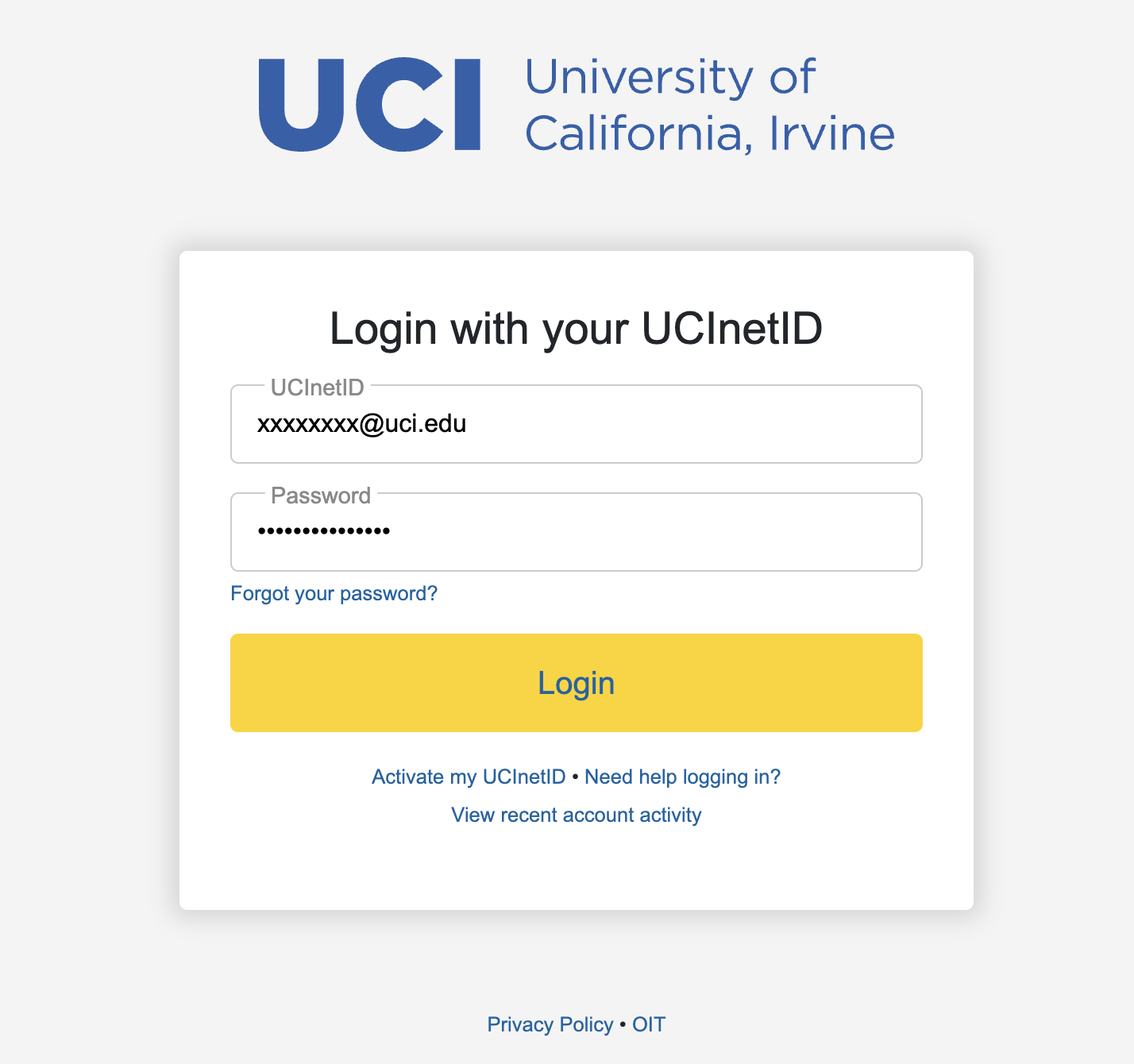
2. Log into your UCINetID
1. [](https://knowledge.ps.uci.edu/uploads/images/gallery/2024-01/oD8K1YqFmu2ysplf-screenshot-2024-01-23-at-3-00-48-pm.png)
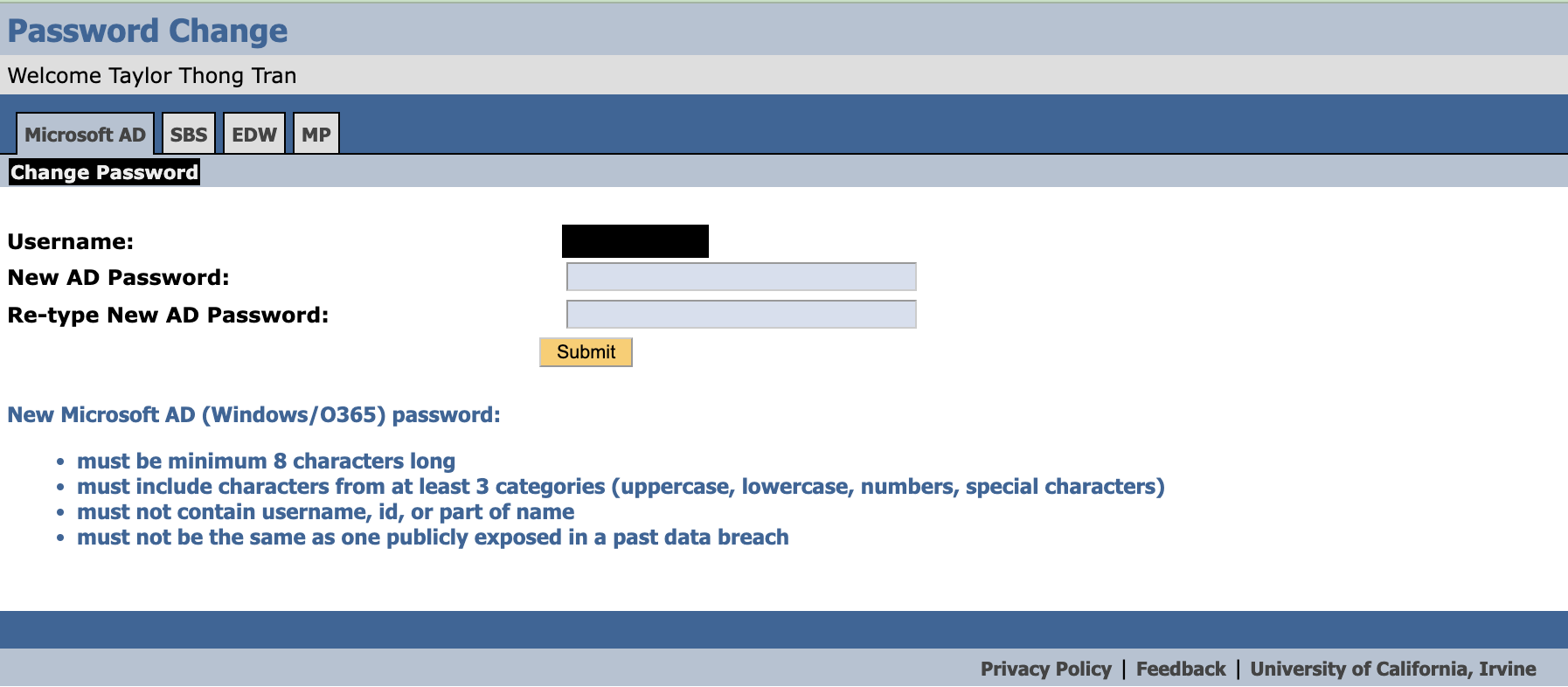
3. Type in the new AD Password and submit
1. [](https://knowledge.ps.uci.edu/uploads/images/gallery/2024-01/cWeI1LIjQDYa5DxQ-screenshot-2024-01-23-at-3-03-55-pm.png)
4. Afterwards, you will be able to log into your AD Account!